tldraw flash
Designed the interface for a 1k+ user animation tool on tldraw's infinite canvas.
Timeline
3 months
Team
tldraw R&D
Role
Product & R&D Intern
Skills
Interaction design, Prototyping, QA
TL;DR
I designed the interface for a new way to animate: draw something, press record, and move it with your hand
I spent the summer at tldraw, a $14.7M Series A developer tools startup, designing Flash from its first prototype to the tool people use today. My contributions included:
01 Design
Led the UI for the toolbar, timeline and record flow, defining hover, drag, selection and state behaviour.
02 Systems
Extended tldraw’s design system and SDK instead of inventing new parts, and documented decisions for engineers.
03 Research & QA
Interviewed people about how they animate, tested builds with them and ran product QA, turning findings into roadmap recommendations.
How might we make animating feel as direct as drawing, so the motion you perform is the animation?
Research
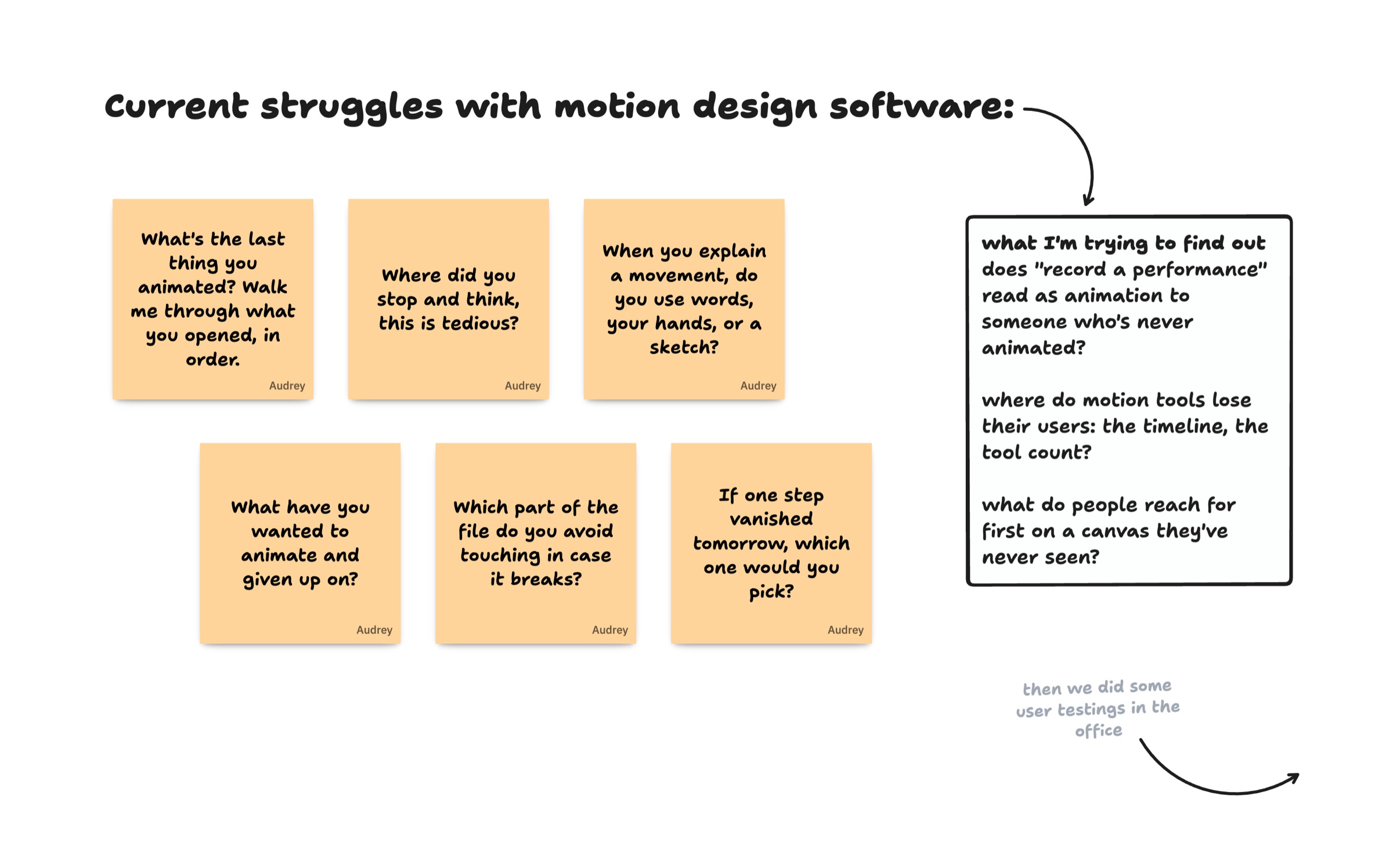
I asked animators where today's tools slow them down
I interviewed 20 animators across London, found through the team's friends and family, about what they animate and where it gets tedious.
Then we ran user tests in the office with three people: a marketing manager, a product engineer and a sales lead. Each one read the interface differently, and each session changed it.
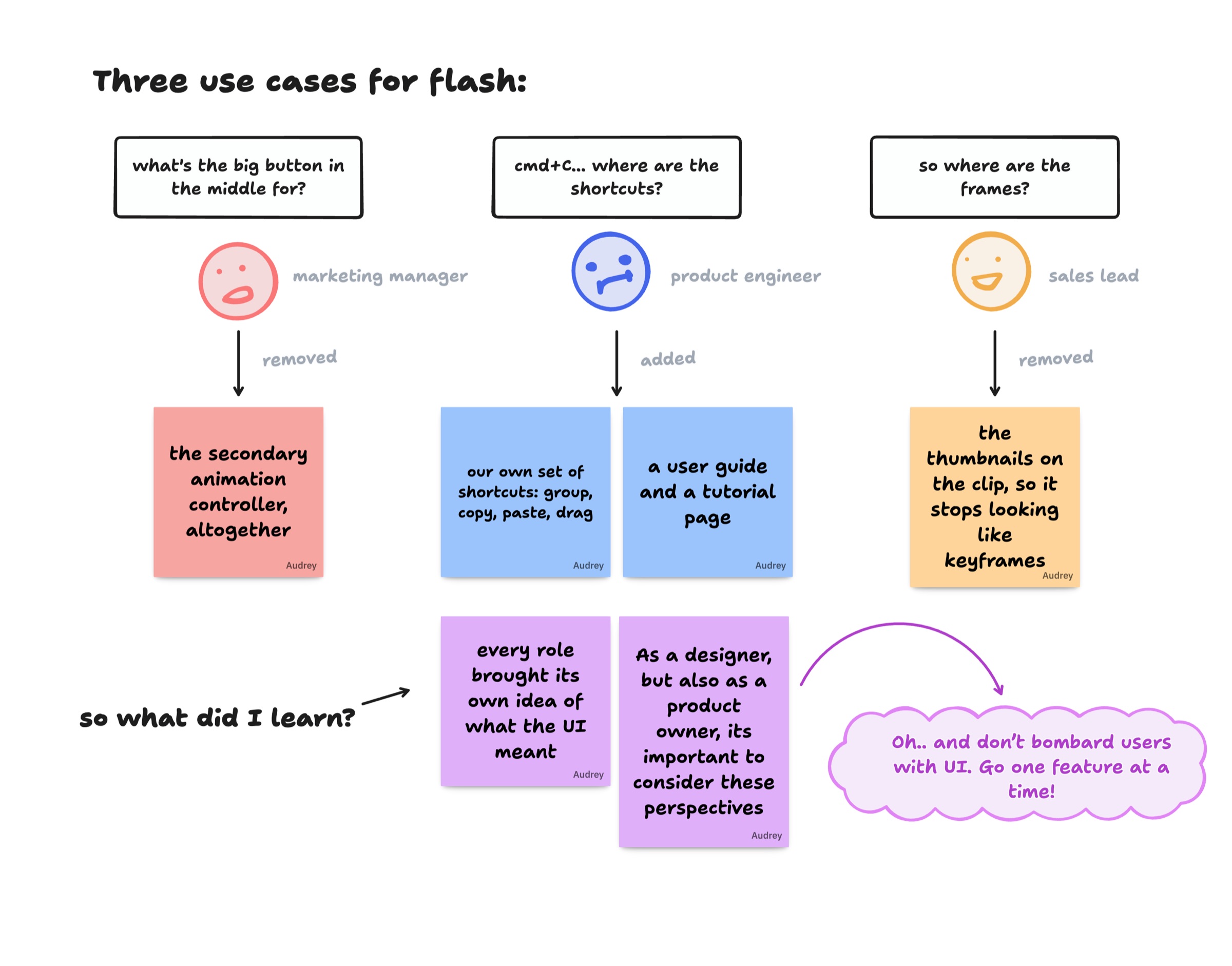
Every role read the UI differently
Each person brought their own idea of what the interface meant.
Design like a product owner
As a designer, but also as a product owner, it’s important to weigh all of these perspectives.
One feature at a time
Don’t bombard people with UI. Introduce one feature at a time.
Concept
Before building anything, I mapped the whole loop
The first version was a puppet show: drag a character in, press record, perform it, then add one thing per pass. To fix a mistake you re-perform it, never adjust it.
Ideation
Then I asked where Record and Play should live, and tried five layouts in eight days
Each layout was built and tried on the canvas, not just drawn. Record and Play made a full lap around the screen before landing back beside the tools.

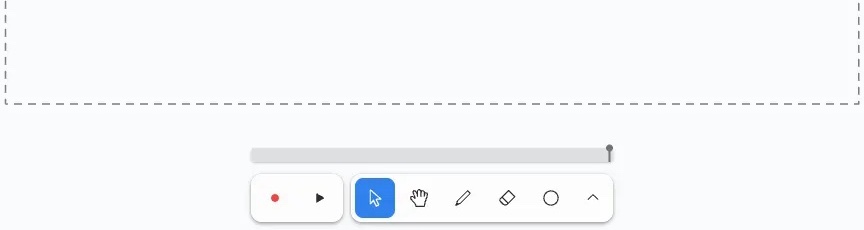
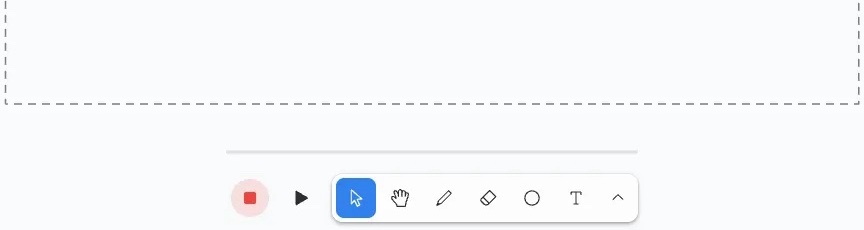
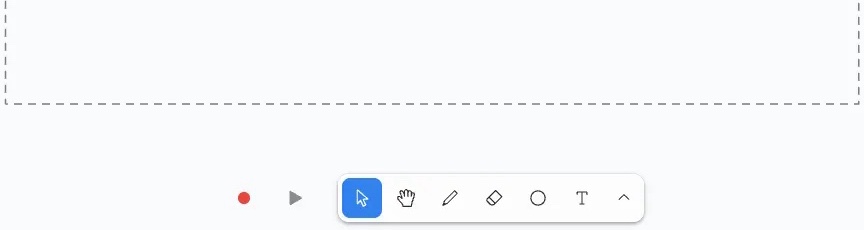
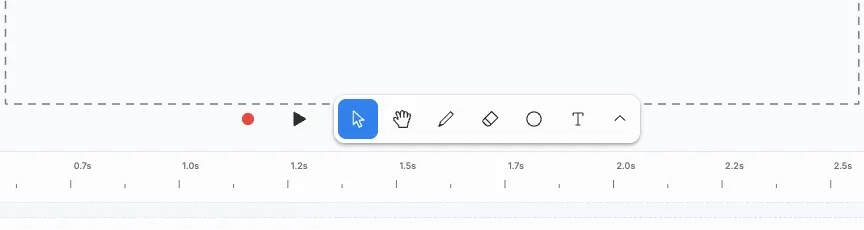
- Three separate buttons
- An outlined scrubber pill
Prototyping
Then I made it feel like tldraw, not a video editor
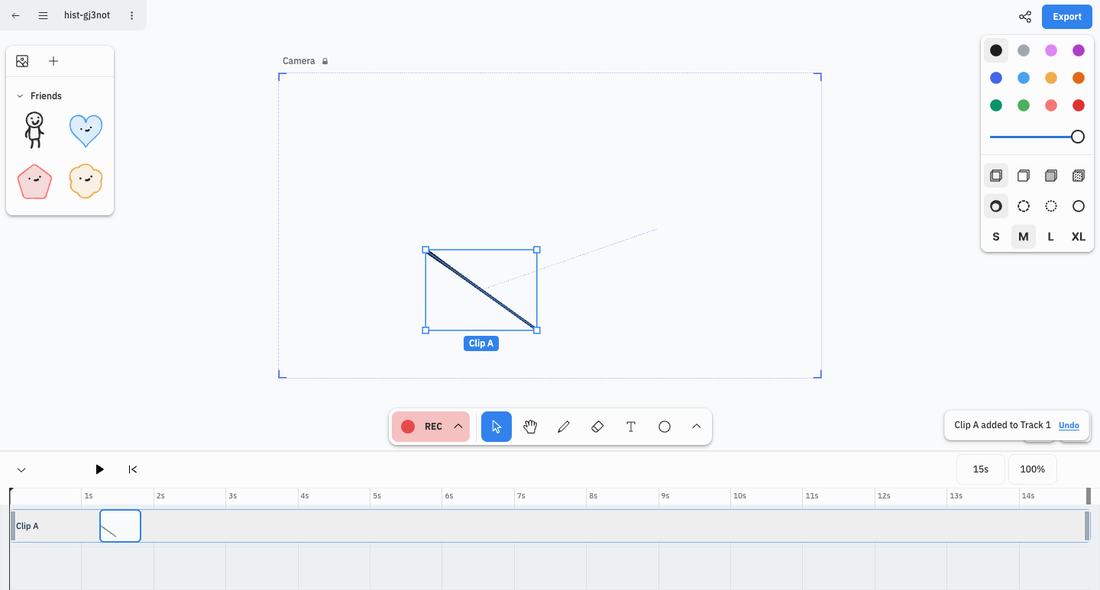
The first version had two toolbars, editing words like Take and Ripple, and a red box for the camera. Over six weeks I removed most of it.
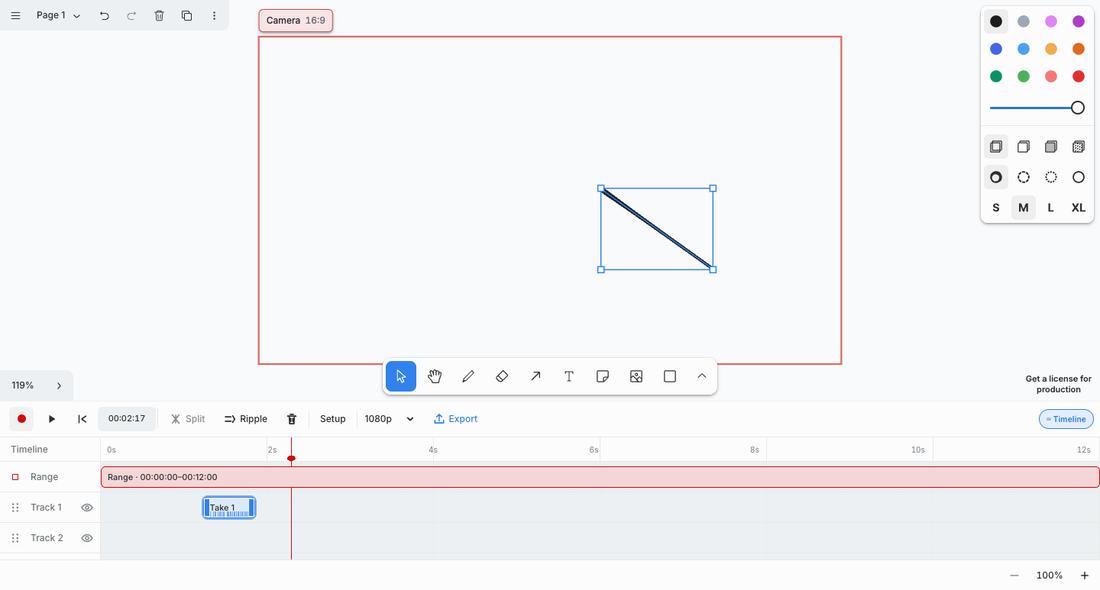
- Camera reads as a red box
- A second toolbar
- Film words: Take, Ripple, 1080p
- An extra Range track
Exploration
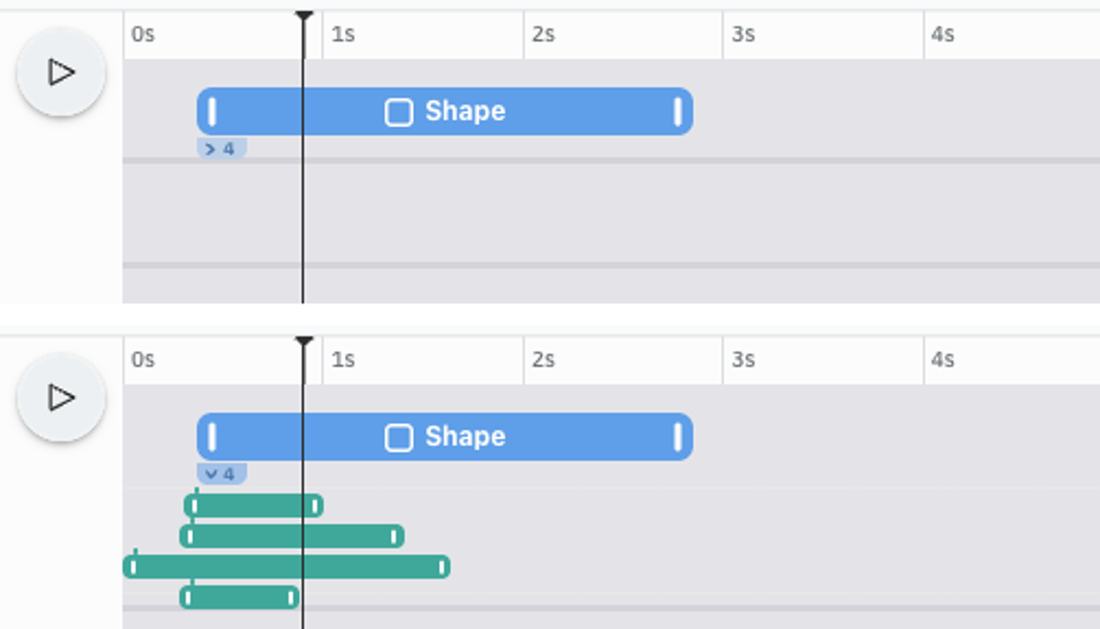
Then I tested a bigger idea in a spike: clips you hold, instead of a timeline you manage
The prototype left three open questions: which object owns a clip, how to re-record one part without losing the rest, and how to layer several actions on one object. I mapped answers on a board, then built a quick spike to test them.
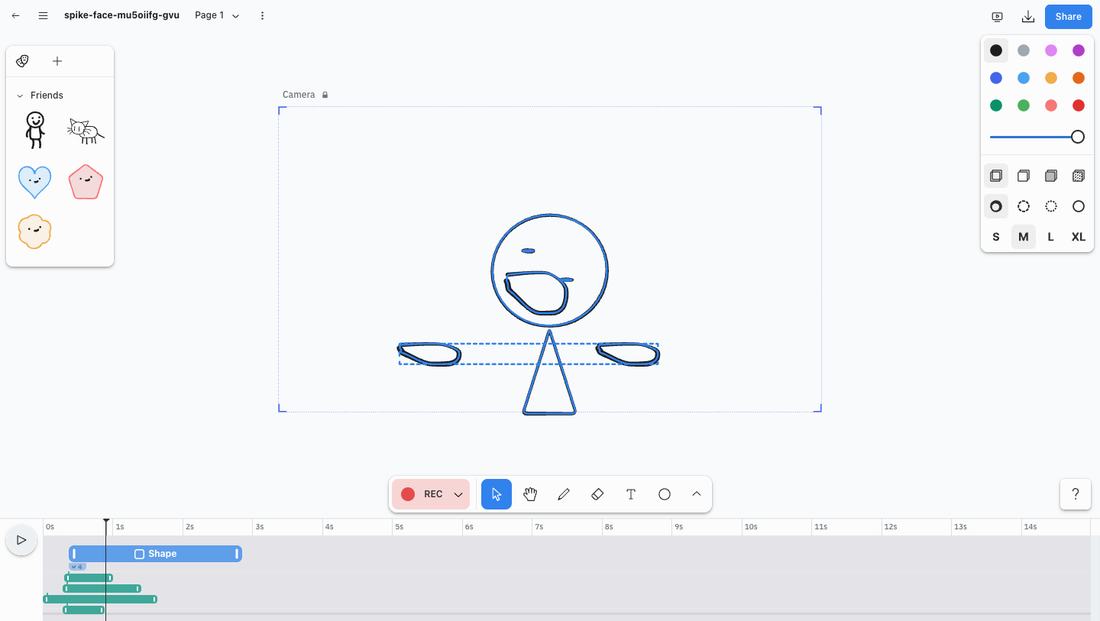
In the spike, clips became thin pills, one colour per object, and a character's parts folded under the clip that moves them, so one character takes one lane. It was never shipped: it's a test of where Flash could go next.
Final design
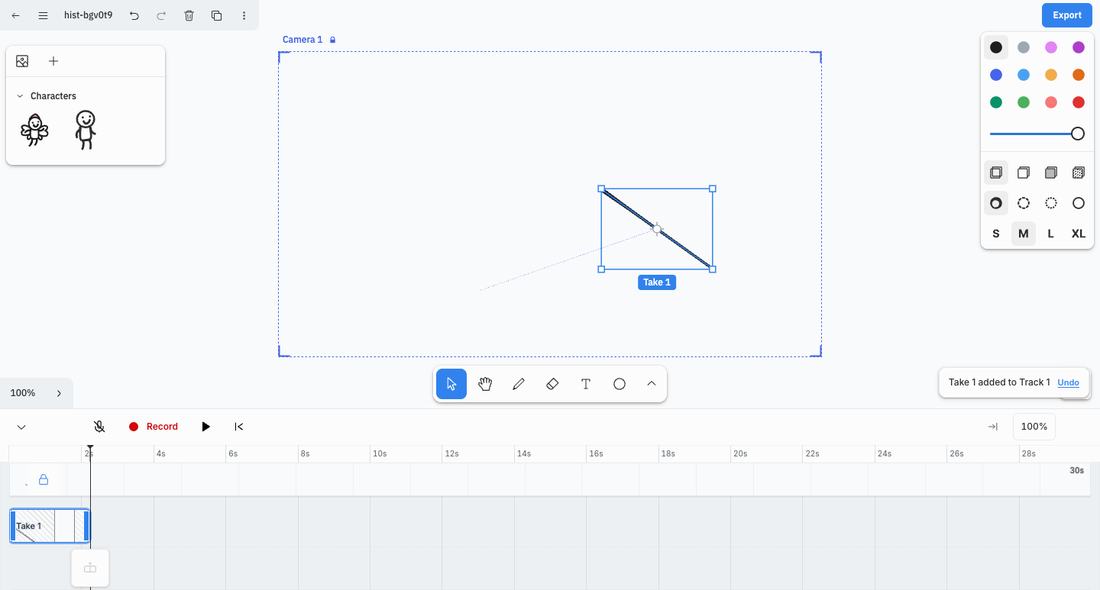
Draw something, press record, and move it with your hand
Press record and drag
The camera frame turns red while you record, so you always know you're live. The path and speed of your hand become the animation.
The recording lands as a clip
It appears on the timeline right away, ready to trim, move or play back.
Learnings
This summer taught me to design by taking things away
Build it to know it.
Five record layouts in eight days only worked because each one was tried on the real canvas.
Use what already exists.
Each time a custom part was swapped for one tldraw already had, Flash felt less bolted on.
Removing is a design decision.
Almost every step deleted something rather than adding it, and the tool got clearer each time.
Next up